
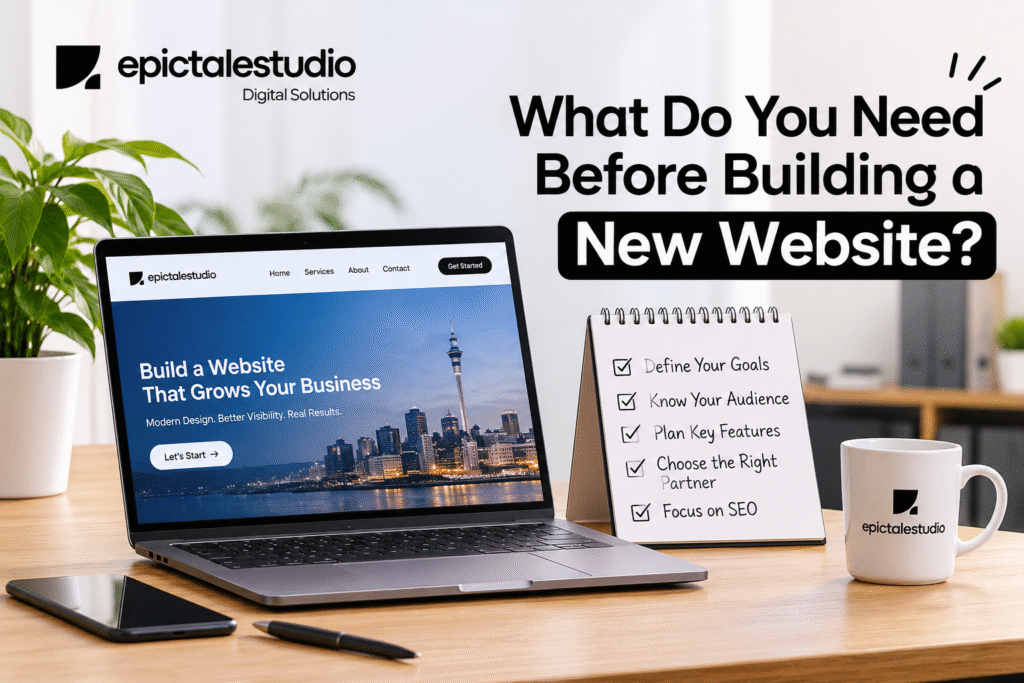
If you have clarity on your objective, target audience, realistic budget, domain name, hosting package, content and an SEO strategy right from the beginning, then you are ahead of the game, whether you plan to build the site yourself or hire a website design company Auckland businesses trust. Most Auckland businesses miss these steps and only start looking for SEO help after their new site isn’t getting found. By getting these things in place early, you save money and time and reduce the back and forth with your designer.
We have seen that the best performing websites are not always the most expensive. They are often the ones where the owner has done some research to make sure everything is in place before the first page is designed. This guide will take you through how to do this.
Why Preparation Matters More Than the Design Itself
A website is a business tool, not an online brochure. If you don’t know what the website will need to do, the design will usually look lovely, but won’t generate any enquiries.
Poor planning will often lead to:
- Cost issues due to the project scope changing
- Content not being delivered on time causing a delay to the launch date by weeks
- Pages not being built with keyword research meaning they won’t rank
- The site has to be partly rebuilt within a year
Good preparation flips all of that. Your designer can work faster, your budget stays predictable, and the site is ready to compete in search from launch day.
- Know What Your Website Is Actually For
What would you expect a visitor to do when they come to your site?
Most small businesses in Auckland would expect one of:
- Contact by phone or filling in a quote form (trades/removals/cleaning/repairs)
- Book an appointment (clinics/salons/consultants)
- Purchase online (retail/eCommerce)
- Find enough information to feel comfortable contacting you (professional services)
Choose a main goal and up to one or two sub goals. Everything on your pages including buttons and headlines should be encouraging people towards this goal. If you can’t describe what your website is for in a sentence then your visitors won’t be able to figure it out.
- Understand Who You’re Building It For
Your website should speak to the people most likely to pay you, not to everyone.
Think about:
- Where they are. If your business is based in Howick or Botany, website design East Auckland customers respond to will look very different from a site built to sell nationally. You’ll want to include local areas you service, local phone numbers and local content specific to your suburbs.
What they’re worried about. Price, reliability, quick turnaround and trust are all questions your copy should answer. - How they search. Are they searching on their phone for plumbers near them or using an AI assistant to compare 3 options? This will impact what you include in your content and how you structure your page.
- What device they use. Most local service businesses get the majority of their traffic from mobile devices. It is important that your website functions correctly on a small screen.
A quick way to do this is to write down the ten questions customers ask you most often. Those questions become your page content, your FAQ section and often your best-performing blog topics.
- Set a Realistic Budget
Costs can vary greatly, but it can be a bit difficult to compare prices as they might not all include the same things. So before asking for a price, be clear about your requirements.
A typical amount to budget would be:
- Website design & development for the pages agreed
- Content writing (if you want someone else to write your content)
- Basic SEO: Page titles, meta descriptions, headers & Alt Text for images.
- Domain & Hosting for the 1st year.
- Maintenance: Updates, Backups & Security.
- Marketing (You won’t make anything if no-one visits your website)
When looking into professional website design services, ask each company what is included, whether the price includes GST, who will own the website once you’ve paid for it & how much will you be expected to pay going forward. Often the cheapest option doesn’t include content, SEO & Maintenance which can actually cost more.
- Sort Out Your Domain Name and Hosting
The technical bits easy to get wrong if you leave until last.
Choosing a Domain
If you’re targeting New Zealand businesses then having .co.nz or .nz will show that you are a local business. This is great for building trust and will help with local searching. Keep it:
- Short and easy to spell
- No hyphens or strange acronyms
- Tied closely to your company name
Always register in your own company name, never your designer. One of the most common issues we encounter. Can cause major headaches if you ever switch providers.
Choosing Hosting
Speed, security and uptime are all impacted by your hosting. Look for:
- Fast loading time/speeds with servers preferably located in New Zealand.
- SSL certificate (padlock on the browser bar).
- Automatic regular backups.
- Quick support if things go wrong.
- Prepare Your Content Before Design Starts
Content is the single biggest cause of delayed website launches. Designers can build the layout, but they can’t write about your business as well as you can describe it.Content is the most common cause of delays to going live with a website. You may not be as good at writing about your business as a designer.
Before the build begins, gather:
- Service descriptions, One page per key service.
- An about page Describing who you are, how long you have been operating and what makes you unique.
- Photos of your real work, team and premises. Stock images generally won’t help you gain trust.
- Customer reviews and testimonials, With permission to use.
- Business details,Your contact details will be included (address, telephone number, opening times and areas you cover) and will be consistent across all pages online.
- Logo and brand colours High quality files.
If you are not a good writer then consider budgeting for a copywriter. Having clear and detailed content makes it easier for users to make decisions. Search engines and AI tools will read what is on your page to determine if it answers their question.
- Plan Your SEO Before the First Page Is Built
This is the stage most businesses will overlook, however can be very costly to rectify. SEO should be planned at the beginning when designing your website.
Your pre-build SEO checklist should include:
- Keyword research to ensure you are targeting the terms customers are typing into Google
- Sitemap that has unique pages for each key service and location
- Clean URL structure – /house-cleaning-howick instead of /page-id-482
- Mobile responsive design so Google can use the mobile version of your site to rank you
- A plan for fast loading pages (optimised images and light coding)
- Basic local SEO set up such as Google Business Profile with accurate details matching your website
Don’t Forget AI Search
More people are using AI Overviews (like Google’s), ChatGPT and similar tools to get the answers they need rather than clicking through links. The basics remain the same as traditional SEO meaning your site will benefit from being well structured.
To give your content a better chance of being picked up by AI-powered search:
Answer frequently asked questions
Use question based page headings
Keep paragraphs short
Clearly state who has written the content and their credentials
Create a well structured FAQ section on key pages
Bringing an SEO specialist into the project before the design is signed off usually costs far less than restructuring a live website later.
- Look at What Your Competitors Are Doing
Spend 1 hour looking at 3-5 competitor websites which are ranking well in your area. This isn’t to copy but to see what you can learn from them.
Ask yourself:
What are they doing well?
What questions aren’t they answering?
Do they have pricing, customer reviews, guarantees or before and after pictures?
Is their phone number easy to get in touch with?
This gives your designer a clear brief and helps you stand out instead of blending into the crowd. It’s also a useful reality check when you’re looking at Auckland web design options, because you’ll know what “good” looks like in your particular industry.
- Think About What Happens After Launch
A website is never truly completed. When a website goes live it will still need working on.
Plan ahead for:
Who will update the site?
Analytics & Tracking so you know where your traffic is coming from and what pages are converting.
Fresh content like blogs and regular project updates.
Security updates & Backups to keep your investment safe.
SEO on an ongoing basis due to competitor and search engine changes.
Ask your designer for training on how to make simple edits yourself. Being able to change an opening hour or swap a photo without paying for it adds up over time.
Quick Pre-Build Checklist
Before approaching any designers ensure that you have most of the following:
A clear main objective for the website
An idea of who your target market is and from where they are.
A budget for web design, content, SEO and ongoing maintenance.
A domain name under your business name.
Content for services, images, reviews.
Keyword research and page structure.
A list of competitors you have looked at.
A plan for how to update and market your site.
Frequently Asked Question
A straightforward small business website usually takes four to eight weeks, depending on the number of pages and how quickly content is supplied. Larger sites or eCommerce stores can take several months. Having your content ready before the build starts is the best way to keep the timeline short.
Costs depend on the number of pages, custom features, copywriting and SEO work included. Rather than comparing headline prices, compare what each quote covers, whether GST is included, and what ongoing costs you’ll pay after launch.
Before, ideally. An SEO specialist can shape your page structure, URLs and content plan from the start, which is far cheaper than restructuring a live site. Bringing them in after launch often means rewriting pages and setting up redirects.
You don’t strictly need one, but a .co.nz or .nz domain tells visitors you’re a New Zealand business, which builds trust with local customers. If your audience is mainly in New Zealand, it’s usually the sensible choice.
Yes, and you often know your business better than anyone else. Keep it clear, specific and focused on what customers want to know. If you’re short on time or unsure about structuring it for search, a copywriter or SEO writer can help polish it.
Starting design before deciding what the website needs to achieve. Without a clear goal, audience and content plan, projects drift, budgets grow and the finished site rarely delivers the enquiries the owner expected.
About the Author
This article was written by the Content Team at epictel studio. We are an SEO and Digital Marketing company specialising in working with Small and Medium sized businesses across Auckland and New Zealand, many of which being Service based.
We have chosen to write about this topic because we often encounter this issue amongst the businesses we work with. Often business owners come to us having spent a decent amount of money on a brand new website that either doesn’t rank, isn’t producing any enquiries or needs some large changes within the first few months. Almost always this comes down to what has (or hasn’t) been done prior to starting the build.
This guide will help prepare you for your next website build. By knowing what you want to achieve, who your target audience is, your budget, content and SEO requirements you will be able to give clear briefs to your designer. This will also help you get fair quotes so you can have a website that works for you. If this article helps you avoid just one expensive rebuild then mission accomplished.